- Architecture
- Quickstart Guide
- Stores and Store Routes
- AWS Marketplace
- AKS Cluster Configuration
- Initialize Mach5 Search in AKS
- EKS Cluster Configuration
- GKE Cluster Configuration
- Initialize Mach5 Search in GKE
- Helm Charts
- Local Kubernetes
- License Token
- Node to Pod Mapping
- Transform Functions
- Kafka
- S3
- Iceberg
- Operation Modes
- Materialized Views
- KQL Support
- KQL Client
- Authentication and Authorization
- Keycloak Admin
- Role Patterns
- Authenticated API Access
- Index Metadata Prefetch
- Custom OTEL to AWS CloudWatch
- Axon Concepts
- Axon Syntax
- App Concepts
- App Examples
- Bundle Concepts
- Bundle Examples
- Notebook Concepts
- Notebook Examples
- Sample Data and Visualizations
- Dashboard Concepts
- Dashboard Configuration
- GitHub
- Slack
- Okta
- Amazon S3
- Google Cloud Storage
- Azure Blob Storage
- IMAP
- POP3
- SMTP
- Databricks
- Trino OpenSearch Connector
- Cloudflare Data Platform
- Rook-Ceph
- OpenSearch APIs
- Support
Overview
Getting Started
Deploy
Ingestion
Querying
Security
Operate
Workflows
Declarative Apps
App Bundles
Notebooks
Dashboards
Integrations
Reference
Support
#Sample Data and Visualizations
Mach5 provides three sample data sets which can be used for evaluating and testing the search and visualizations capabilities offered by the product.
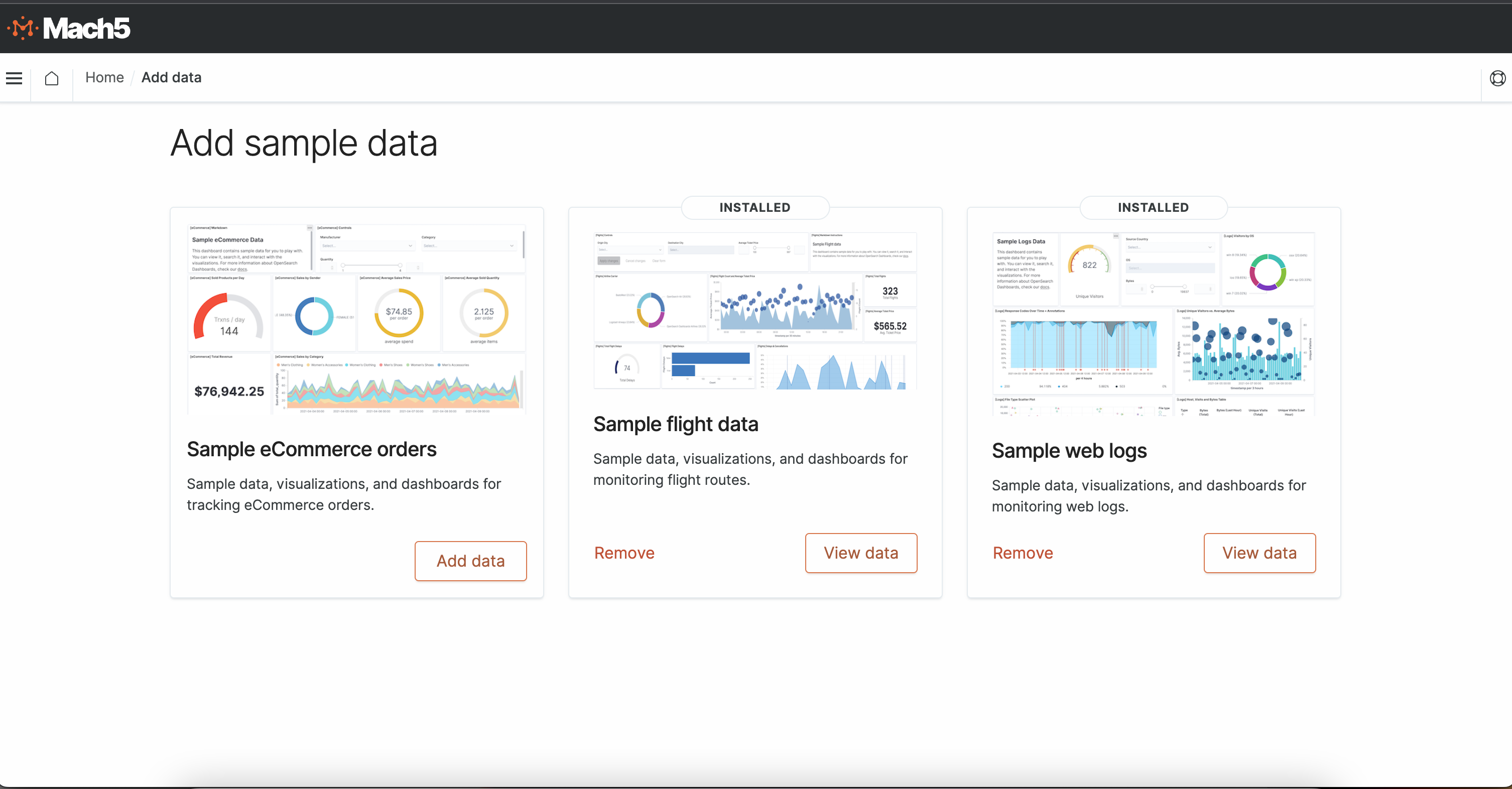
Load a dataset into Mach5
Navigate to "Add Sample Data" From the Mach5 UI Home page.Click "Add Data" to load a dataset of your choice.
Query the dataset
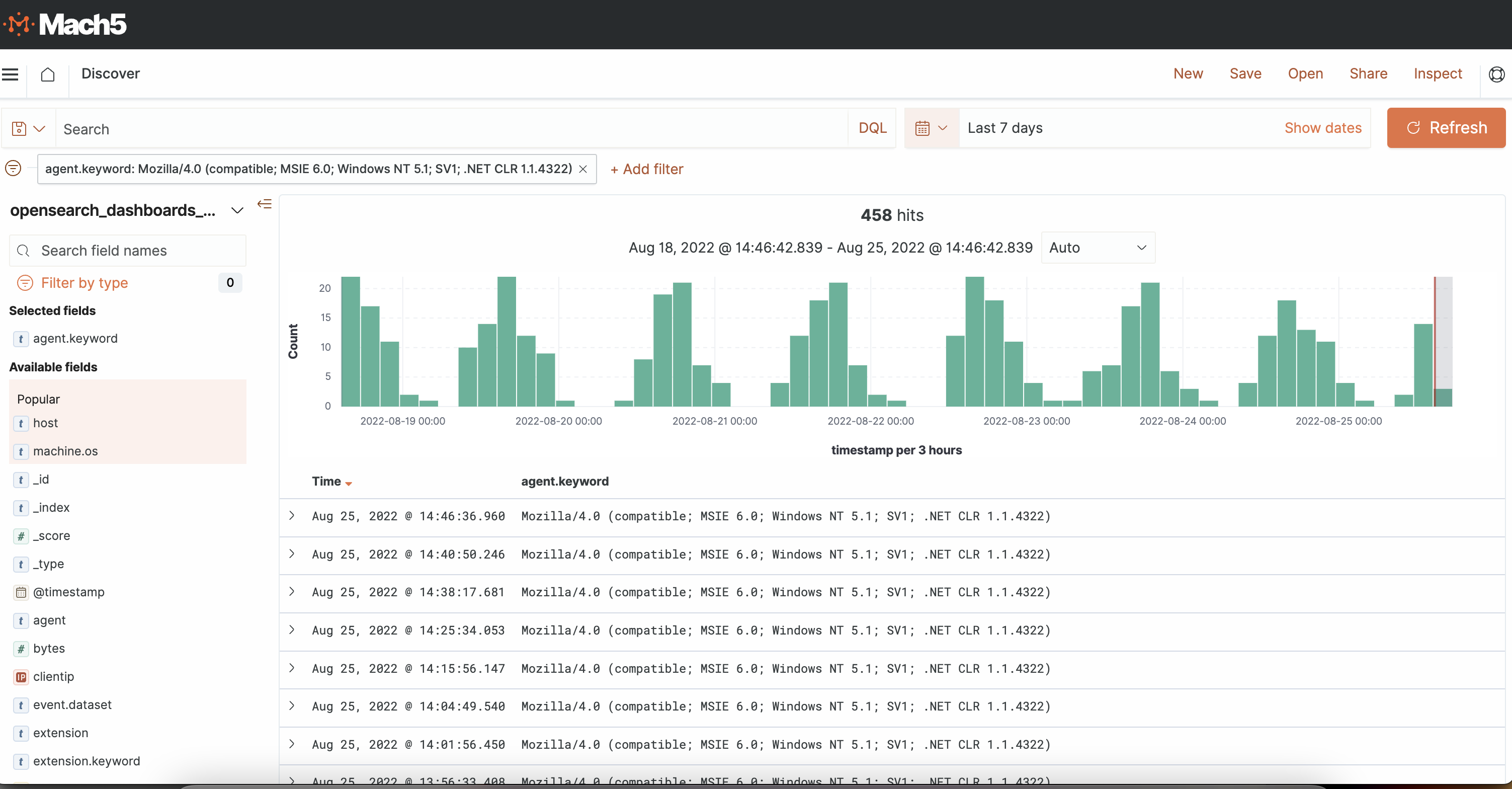
Navigate to "Discover" from the Home page to run Search queries and filter the data.Here is an example of the "Sample web logs" dataset filtered with agent = "Mozilla / 4.0"
Visualizations
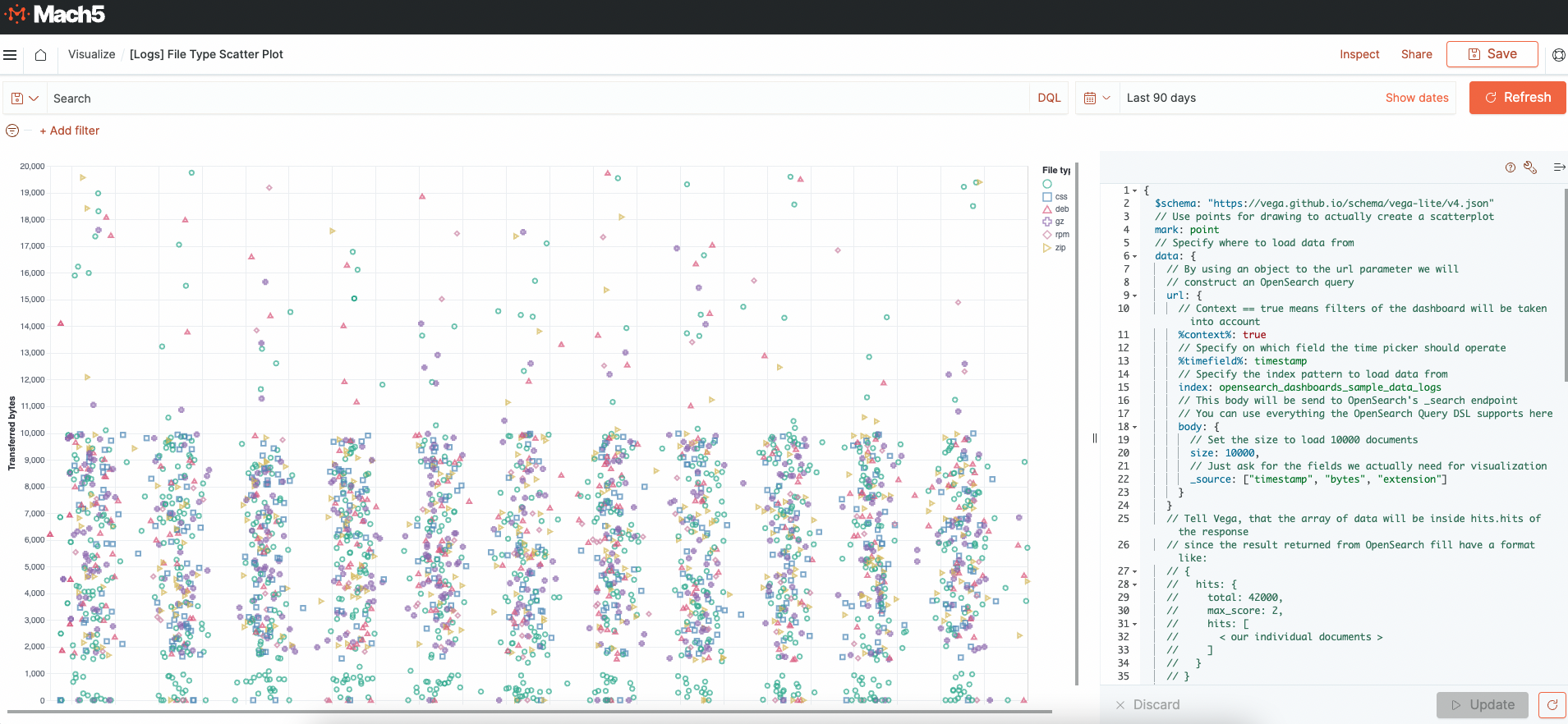
View sample visualizations and / or create your own using the sample datasets.Here is a scatter plot which uses the "Sample web logs" dataset to depict the transferred bytes per file type during a time period.
Dashboards
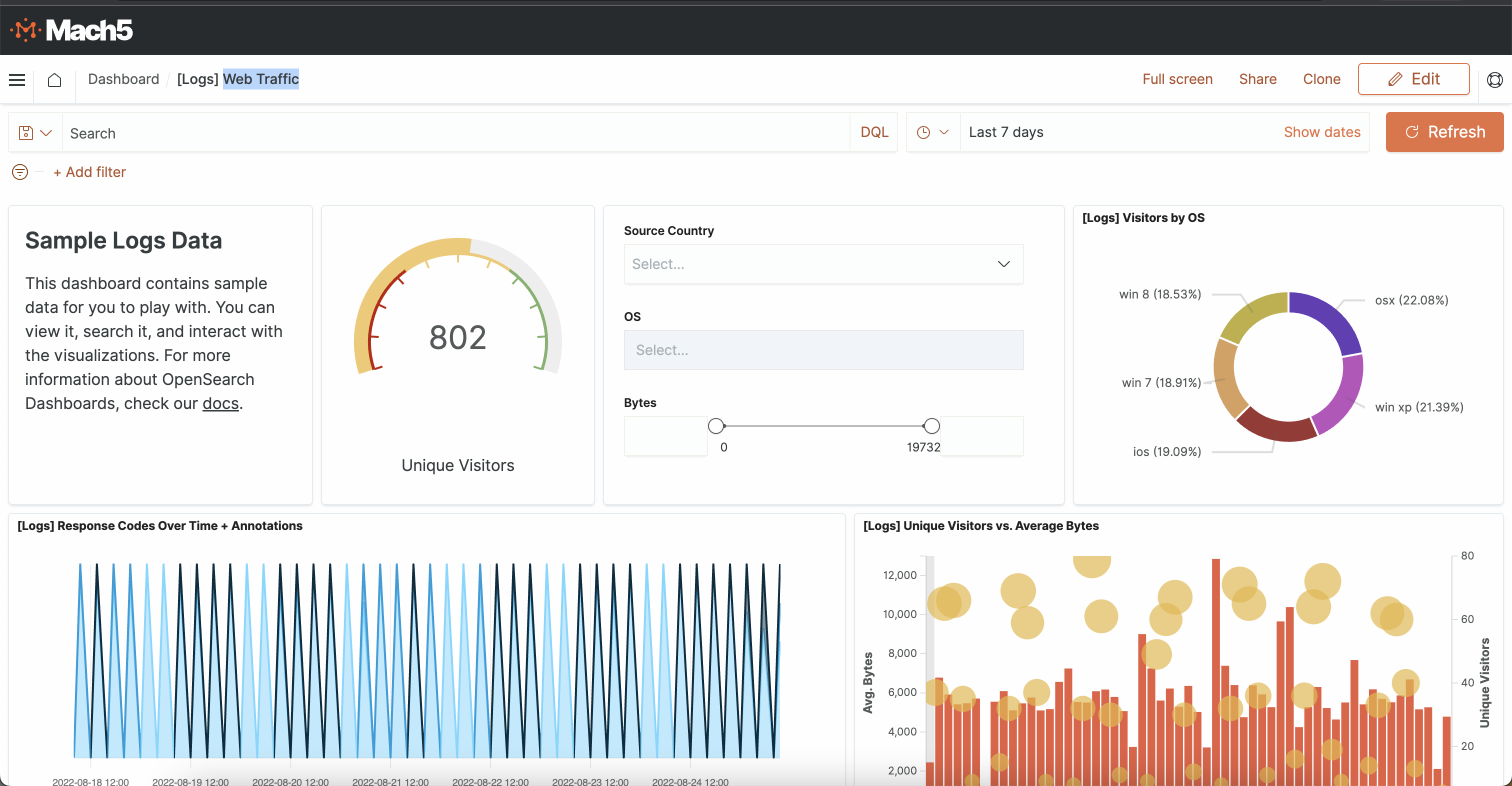
Click on "View data" to view the default dashboards.Here is an example of a "Web Traffic" dashboard generated with the "Sample web logs" dataset
On this page
Need Help?
Our team of experts is ready to assist you with your integration.
Training Sessions
Get your team up to speed with personalized training.