Declarative apps concepts
Mach5 declarative apps package data models, pages, actions, approvals, navigation, dashboards, notebooks, AI assistants, and workflow entry points into one application spec.
Use declarative apps when you want to turn data and workflows into a reusable operational experience: a triage console, investigation app, approval app, remediation console, partner app, or internal data product.
What is a declarative app?
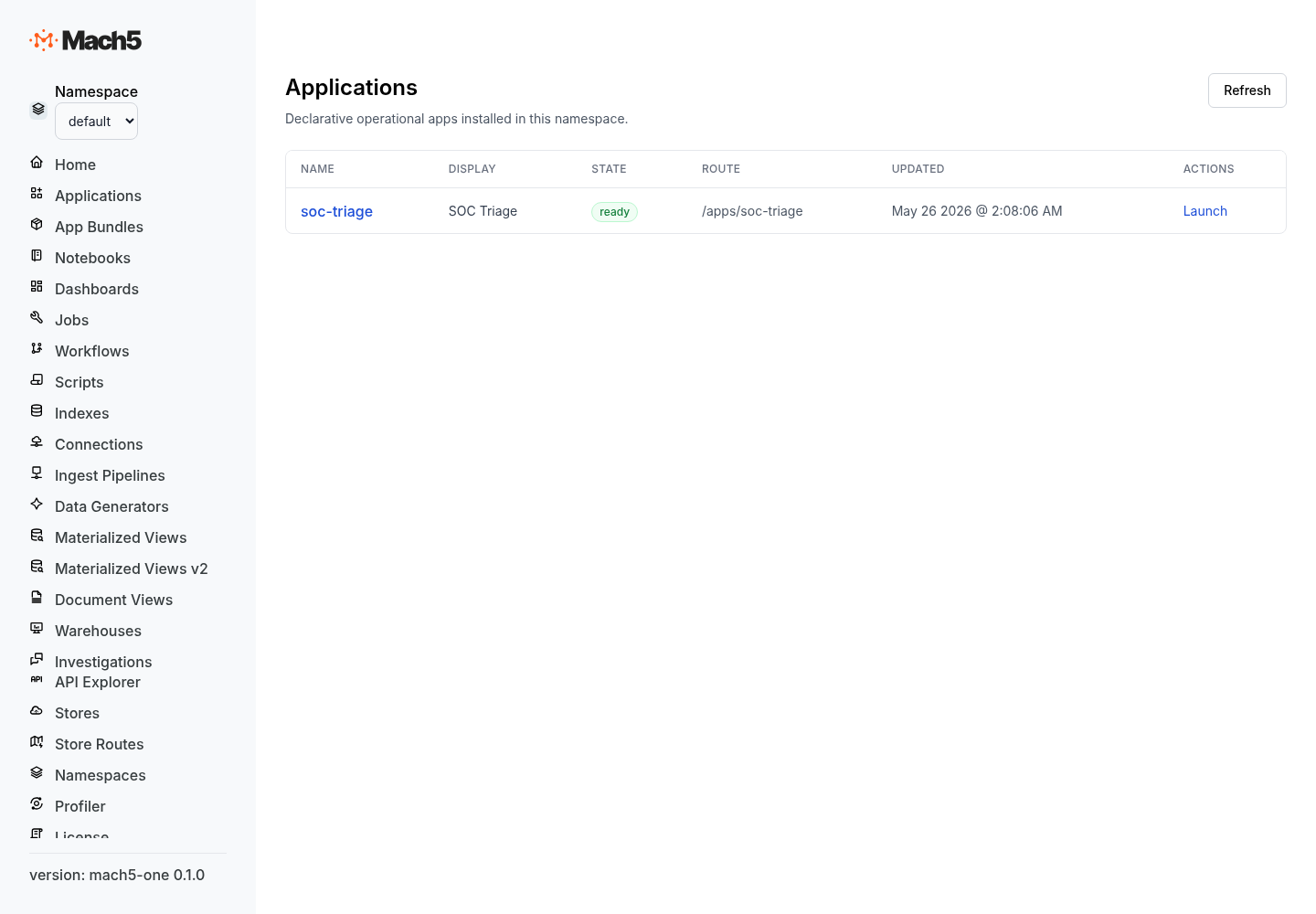
A declarative app is a named Application resource. Instead of hand-coding UI and backend glue, you describe the app structure in a spec. Mach5 compiles the spec into an app experience.
An app can define:
| Area | Purpose |
|---|---|
display_name and description | Public app identity. |
route | Where the app appears in Mach5. |
tags | App discovery and organization. |
models | Data objects the app works with. |
pages | List, detail, form, dashboard, and custom pages. |
actions | User, row, bulk, workflow, and connector-backed actions. |
states | App-level or record-level state model. |
approvals | Approval policies for sensitive actions. |
navigation | App navigation menu. |
layout | App shell and page layout hints. |
ai | AI investigation and generation settings. |
assistants | App-specific AI assistants. |
defaults | Default warehouse, filters, limits, and conventions. |
Application resource shape
A minimal application spec looks like this:
{
  "display_name": "SOC Triage",
  "description": "Review, enrich, and route high-priority security findings.",
  "route": "/apps/soc-triage",
  "tags": ["security", "triage"],
  "models": [],
  "pages": [],
  "actions": [],
  "navigation": [],
  "assistants": []
}
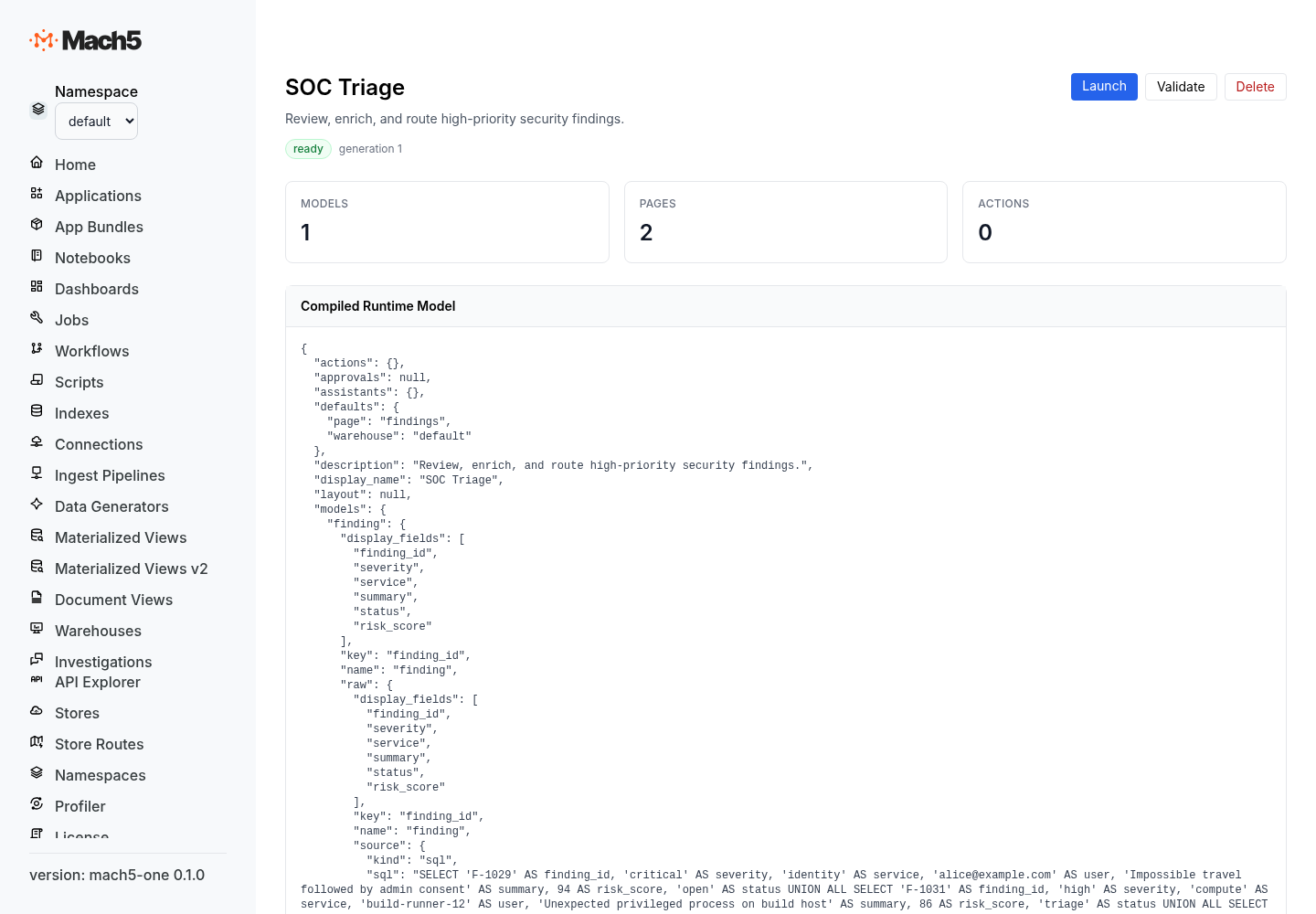
In storage and APIs, the app is an Application resource with spec and status:
{
  "name": "soc-triage",
  "spec": {
    "display_name": "SOC Triage",
    "description": "Review, enrich, and route high-priority security findings.",
    "route": "/apps/soc-triage"
  },
  "status": {
    "state": "draft",
    "observed_generation": 1,
    "diagnostics": [],
    "runtime_hash": "",
    "compiled_model": {}
  }
}
App lifecycle
Declarative apps move through a simple lifecycle.
| Stage | Description |
|---|---|
| Draft | Author the spec and iterate quickly. |
| Validate | Check structure, references, actions, pages, and model definitions. |
| Preview | Compile and inspect the generated app before publishing. |
| Publish | Make the app available to users. |
| Run | Users query models, open pages, trigger actions, request approvals, and use assistants. |
| Update | Apply a new spec generation and recompile. |
The app status records compile state, diagnostics, runtime hash, and compiled model output.
Models
Models describe the app’s core objects. A model usually points to a data source and identifies a key field.
{
  "models": [
    {
      "name": "finding",
      "source": {
        "type": "sql",
        "sql": "SELECT * FROM findings WHERE severity IN ('critical', 'high')"
      },
      "key": "finding_id",
      "display_fields": ["finding_id", "severity", "service", "summary"],
      "state_field": "status"
    }
  ]
}
Compiled models expose:
| Field | Meaning |
|---|---|
name | Model name. |
source | Query or data source definition. |
key | Unique record key. |
display_fields | Fields to show in lists, pickers, and summaries. |
state_field | Optional field used for workflow state. |
Pages
Pages define how users interact with models and app resources.
Common page patterns:
| Page pattern | Use it for |
|---|---|
list | Table or queue of records. |
detail | Record overview with sections, evidence, and actions. |
form | Create or update structured input. |
dashboard | Embedded dashboard view. |
notebook | Guided analysis or investigation notebook. |
custom | App-specific composition. |
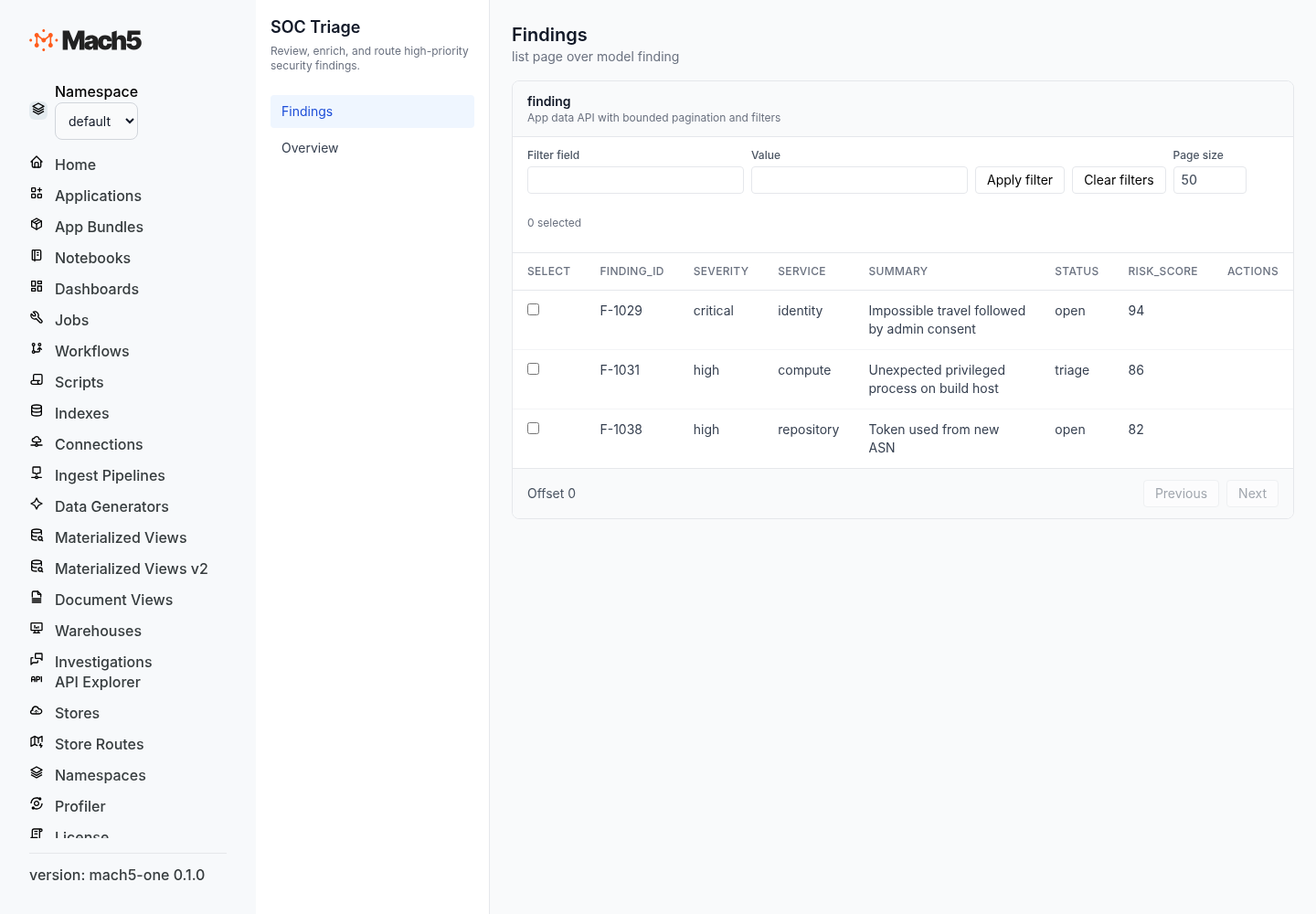
Example list page:
{
  "pages": [
    {
      "name": "findings",
      "type": "list",
      "model": "finding",
      "title": "Findings",
      "fields": [
        { "name": "severity", "label": "Severity", "type": "string" },
        { "name": "service", "label": "Service", "type": "string" },
        { "name": "summary", "label": "Summary", "type": "string" },
        { "name": "status", "label": "Status", "type": "string" }
      ],
      "row_actions": ["assign_owner", "open_investigation"]
    }
  ]
}
Example detail page:
{
  "name": "finding_detail",
  "type": "detail",
  "model": "finding",
  "title": "Finding detail",
  "sections": [
    {
      "type": "fields",
      "title": "Summary",
      "fields": [
        { "name": "finding_id", "label": "Finding ID", "type": "string", "readonly": true },
        { "name": "severity", "label": "Severity", "type": "string" },
        { "name": "summary", "label": "Summary", "type": "string" }
      ]
    },
    {
      "type": "dashboard",
      "title": "Evidence",
      "dashboard": "finding-evidence"
    }
  ],
  "actions": ["open_investigation", "create_ticket"]
}
Fields
Fields define how records and action inputs are displayed.
{
  "name": "severity",
  "label": "Severity",
  "type": "string",
  "required": true,
  "readonly": false,
  "default_value": "medium",
  "enum_values": [
    { "value": "critical", "label": "Critical" },
    { "value": "high", "label": "High" },
    { "value": "medium", "label": "Medium" },
    { "value": "low", "label": "Low" }
  ],
  "help": "Choose the highest severity supported by evidence."
}
Compiled fields include name, label, type, required flag, readonly flag, default value, enum values, help text, and source metadata.
Actions
Actions let users and agents do work from the app.
Common action kinds:
| Kind | Use it for |
|---|---|
workflow | Start an Axon workflow. |
connector | Call an approved connector effect. |
navigate | Move to another page. |
comment | Add record activity. |
transaction | Apply controlled state changes. |
assistant | Ask an app assistant to generate or enrich output. |
Example workflow action:
{
  "actions": [
    {
      "name": "create_ticket",
      "label": "Create ticket",
      "kind": "workflow",
      "workflow": "CreateFindingTicket@v1",
      "requires_confirmation": true,
      "approval": "ticket_creation",
      "input_fields": [
        { "name": "assignee", "label": "Assignee", "type": "string", "required": true },
        { "name": "priority", "label": "Priority", "type": "string", "default_value": "P2" }
      ],
      "post_action": {
        "behavior": "navigate",
        "target_page": "finding_detail"
      }
    }
  ]
}
Approvals
Approvals protect sensitive app actions.
{
  "approvals": [
    {
      "name": "disable_user",
      "action": "disable_okta_user",
      "approver_role": "security-admin",
      "required": true,
      "reason_template": "Disable {{ record.user }} because {{ input.reason }}"
    }
  ]
}
Use approvals for destructive or high-impact operations such as account disablement, policy changes, production remediation, package deletion, or workflow reruns.
Navigation
Navigation defines the app menu.
{
  "navigation": [
    { "label": "Findings", "page": "findings" },
    { "label": "Approvals", "page": "approval_queue" },
    { "label": "Dashboards", "page": "overview" }
  ]
}
Assistants and AI
Apps can include AI assistants that understand the app’s models, pages, actions, and workflows.
{
  "assistants": [
    {
      "name": "triage_assistant",
      "kind": "investigation",
      "description": "Summarize evidence and recommend next actions for a finding.",
      "model": "finding",
      "tools": ["query_related", "open_investigation", "create_ticket"]
    }
  ],
  "ai": {
    "default_assistant": "triage_assistant",
    "instructions": "Use evidence first. Recommend actions only when confidence is high."
  }
}
Bundles and declarative resources
Apps can be installed with other resources as a bundle. A bundle may include an application, dashboards, notebooks, workflows, synthetic data, connections, and other resource documents.
Each document uses a uniform apply envelope:
kind: Application
metadata:
  name: soc-triage
spec:
  display_name: SOC Triage
  description: Review, enrich, and route security findings.
  route: /apps/soc-triage
A bundle manifest describes the package:
kind: Bundle
metadata:
  name: soc-triage-app
spec:
  bundle_version: 1.0.0
  description: SOC triage app with dashboard, notebook, and Axon workflow.
Next steps
- See Declarative app examples.
- See Dashboard configuration.
- See Notebook concepts.
- See Axon concepts.