App bundle concepts
Mach5 app bundles package a set of declarative resources so they can be validated, installed, upgraded, exported, and deleted as one unit.
Use bundles when an app needs more than one resource: an Application, dashboards, notebooks, workflows, connections, ingest pipelines, synthetic data plans, scripts, or supporting indexes.
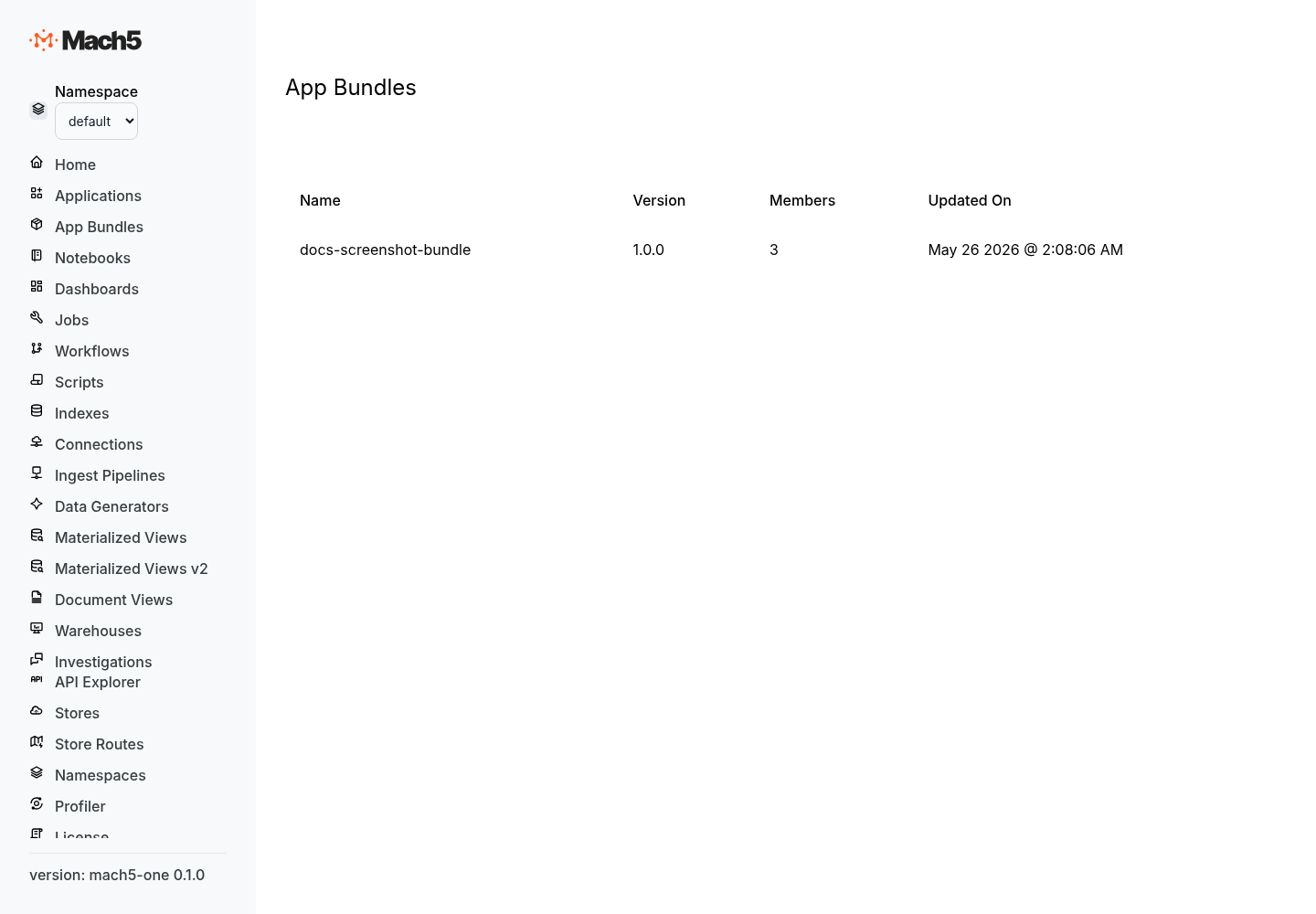
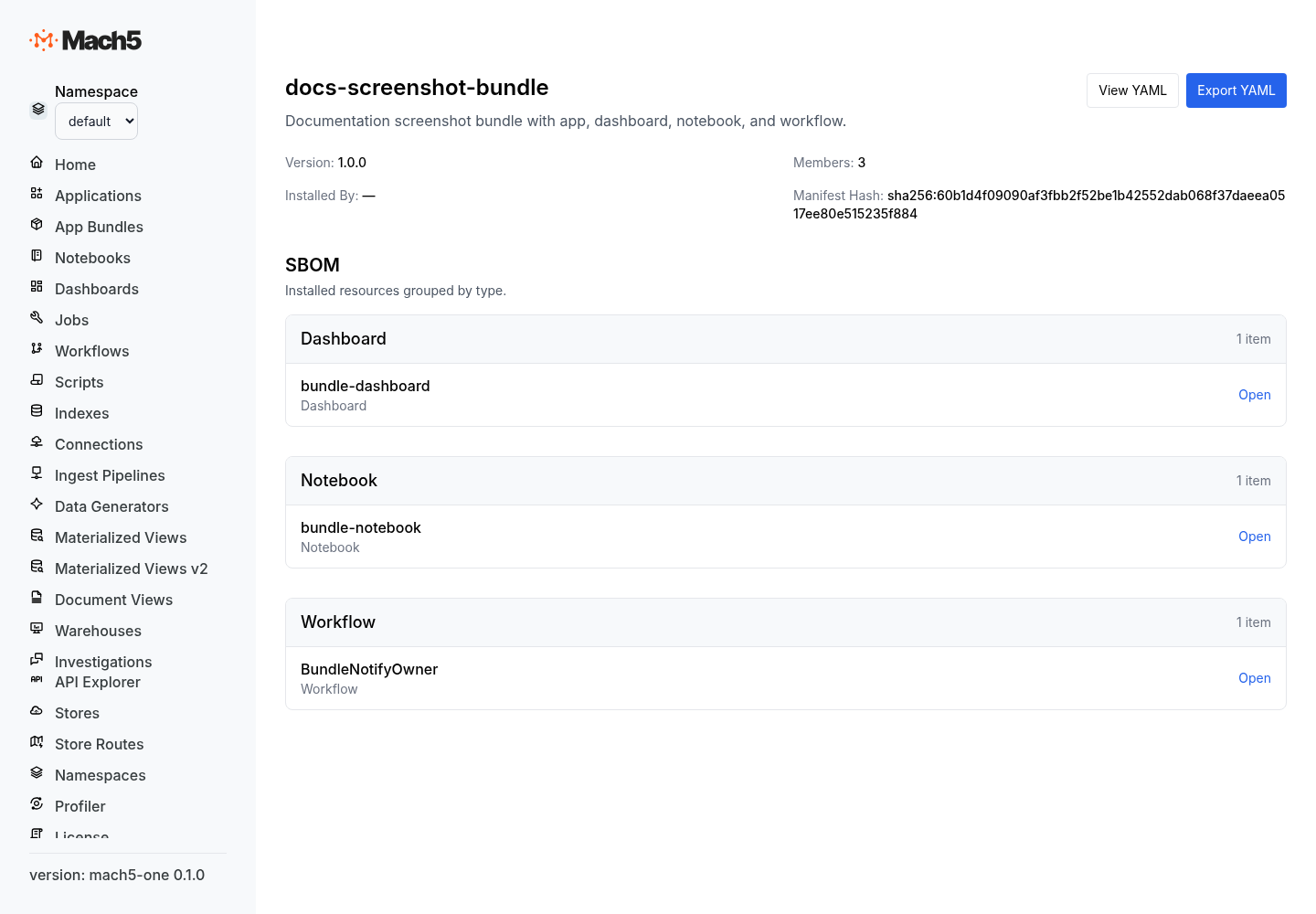
What is an app bundle?
A bundle is a directory of YAML or JSON apply documents. The root document is a Bundle manifest. The remaining documents are the resources the bundle installs.
Example directory:
soc-triage/
  bundle.yaml
  applications/
    soc-triage.yaml
  dashboards/
    soc-triage-overview.yaml
    finding-evidence.yaml
  notebooks/
    incident-review.yaml
  workflows/
    create-finding-ticket-v1.yaml
  pipelines/
    github-audit-log.yaml
m5c walks the directory, sends the bundle.yaml document first, then sends the remaining documents as one multi-document apply request.
Bundle manifest
The bundle manifest is itself an apply document.
kind: Bundle
metadata:
  name: soc-triage
spec:
  bundle_version: 1.0.0
  description: SOC triage app with dashboards, notebooks, and workflows.
  references:
    - kind: Connection
      namespace: shared
      name: slack-prod
Manifest fields:
| Field | Meaning |
|---|---|
kind | Must be Bundle. |
metadata.name | Bundle name. This becomes the owner value stamped on bundle members. |
spec.bundle_version | Author-controlled bundle version. |
spec.description | Human-readable description. |
spec.references | Read-only external resources the bundle depends on but does not own. |
Apply document envelope
Every bundle member uses the same apply envelope.
kind: Application
metadata:
  name: soc-triage
spec:
  display_name: SOC Triage
  description: Review, enrich, and route high-priority findings.
  route: /apps/soc-triage
Envelope fields:
| Field | Meaning |
|---|---|
kind | Resource kind, such as Application, Dashboard, Notebook, or Workflow. |
op | Optional. Defaults to apply. Use delete to remove a resource. |
metadata.name | Resource name inside the target namespace. |
spec | Resource-specific configuration. Omitted for delete operations. |
The namespace is not stored in the document. The target namespace comes from the apply request or CLI command.
Bundle apply vs ad-hoc apply
A request containing a kind: Bundle apply document is a bundle apply. A request without a bundle document is an ad-hoc apply.
| Apply type | Ownership | Prune behavior | Use case |
|---|---|---|---|
| Bundle apply | Stamps bundle ownership on members. | Removes owned members omitted from the next bundle version. | Install or upgrade a packaged app. |
| Ad-hoc apply | Does not set bundle ownership. | No bundle pruning. | One-off resource changes. |
Ownership
Bundle-owned resources are protected from accidental edits.
Bundle apply rules:
- missing resource: created and owned by the current bundle
- existing resource owned by the same bundle: updated
- existing unowned resource: requires
adopt=true - existing resource owned by another bundle: rejected
- existing bundle-owned member missing from the incoming bundle: pruned
Direct REST mutation of a bundle-owned resource returns a conflict unless an owner override is explicitly provided. The override does not bypass authorization.
Pruning
On upgrade, Mach5 computes the prune set:
existing owned members - incoming non-Bundle apply docs
Resources in the prune set are deleted in the same transaction as the bundle upgrade.
This keeps installed apps clean: removing a dashboard, notebook, or workflow from a bundle removes it from the target namespace on the next apply.
Validation pipeline
Bundle apply validates before execution.
| Stage | What it checks |
|---|---|
| Syntactic | Known resource kind, non-empty names, required specs, and valid bundle body shape. |
| Identity | No duplicate (kind, name) pairs in the body. |
| Authorization | The caller can create, update, or delete each resource. |
| Reference | Referenced resources exist in the bundle, live catalog, or declared external references. |
| Ownership | Bundle ownership conflicts and adoption rules. |
| Constraint | Resource-specific constraints. |
The pipeline stops at the first stage with violations and returns diagnostics.
Execution semantics
If validation passes, Mach5:
- creates the namespace if
ensureNamespace=trueis requested - creates or updates the bundle anchor row
- applies member resources in dependency-safe order
- stamps bundle ownership on touched members
- prunes owned resources removed from the bundle
- updates bundle status and metadata
- commits the transaction
Results are reported in original document order even if execution uses dependency ordering internally.
Bundle status
A bundle resource tracks install state.
| Field | Meaning |
|---|---|
bundle_version | Installed author version. |
description | Installed description. |
manifest_hash | Hash of the applied manifest/body. |
installed_by | Installer identity when provided. |
last_applied_at | Last successful apply time. |
member_count | Number of owned member resources. |
last_apply_outcome | Last apply result. |
Bundle management routes
Implemented HTTP routes:
GET    /apis/namespaces/{namespace}/bundles
GET    /apis/namespaces/{namespace}/bundles/{name}
GET    /apis/namespaces/{namespace}/bundles/{name}/members
DELETE /apis/namespaces/{namespace}/bundles/{name}
GET    /apis/namespaces/{namespace}/_export
Deleting a bundle deletes all resources owned by that bundle and then deletes the bundle row.
CLI commands
m5c bundle apply <dir> --namespace <ns> [--ensure-namespace] [--adopt] [--dry-run]
m5c bundle validate <dir> --namespace <ns> [--ensure-namespace] [--adopt]
m5c bundle list --namespace <ns>
m5c bundle get <name> --namespace <ns>
m5c bundle members <name> --namespace <ns>
m5c bundle delete <name> --namespace <ns> [--yes]

m5c apply -f <file> --namespace <ns> [--ensure-namespace] [--adopt] [--dry-run]
m5c export <namespace> [-o <file>]
m5c export --all-namespaces -d <dir>
Bundle and app relationship
A declarative app is usually one member of a bundle. The bundle carries the app plus everything it needs to run.
Typical app bundle members:
Applicationfor the app shell, pages, models, actions, approvals, navigation, and assistantsDashboardresources for app viewsNotebookresources for investigation guidesWorkflowresources for Axon actions- connection and ingest pipeline resources where the app owns the data path
- synthetic data or generation plans for demos and validation
For app specs, see Declarative apps concepts. For examples, see App bundle examples.