Query Mach5 One
Mach5 One provides local access to Mach5 query capabilities through Data Explorer, the Mach5 HTTP API surface, warehouse-specific query routes, and the PostgreSQL-compatible endpoint. Query concepts and semantics are common Mach5 features shared across editions.
PostgreSQL-compatible SQL
Connect to the configured PostgreSQL port:
psql -h localhost -p 5432 -U local -d default
Then run SQL against data you have created or loaded in Mach5 One:
select * from my_index limit 10;
select count(*) from my_index;
HTTP API reference
Open the API reference:
http://localhost:8080/apis/rapidoc
Open the OpenAPI document:
http://localhost:8080/apis/openapi.json
Warehouse query routes
Warehouse-specific routes use this shape:
/warehouse/{namespace}/{warehouse}/kql/...
/warehouse/{namespace}/{warehouse}/opensearch/...
/warehouse/{namespace}/{warehouse}/_transaction/...
Create or select a warehouse through the Mach5 APIs or Data Explorer before using warehouse-specific routes.
Data Explorer
If Data Explorer assets are configured, open:
http://localhost:8080/
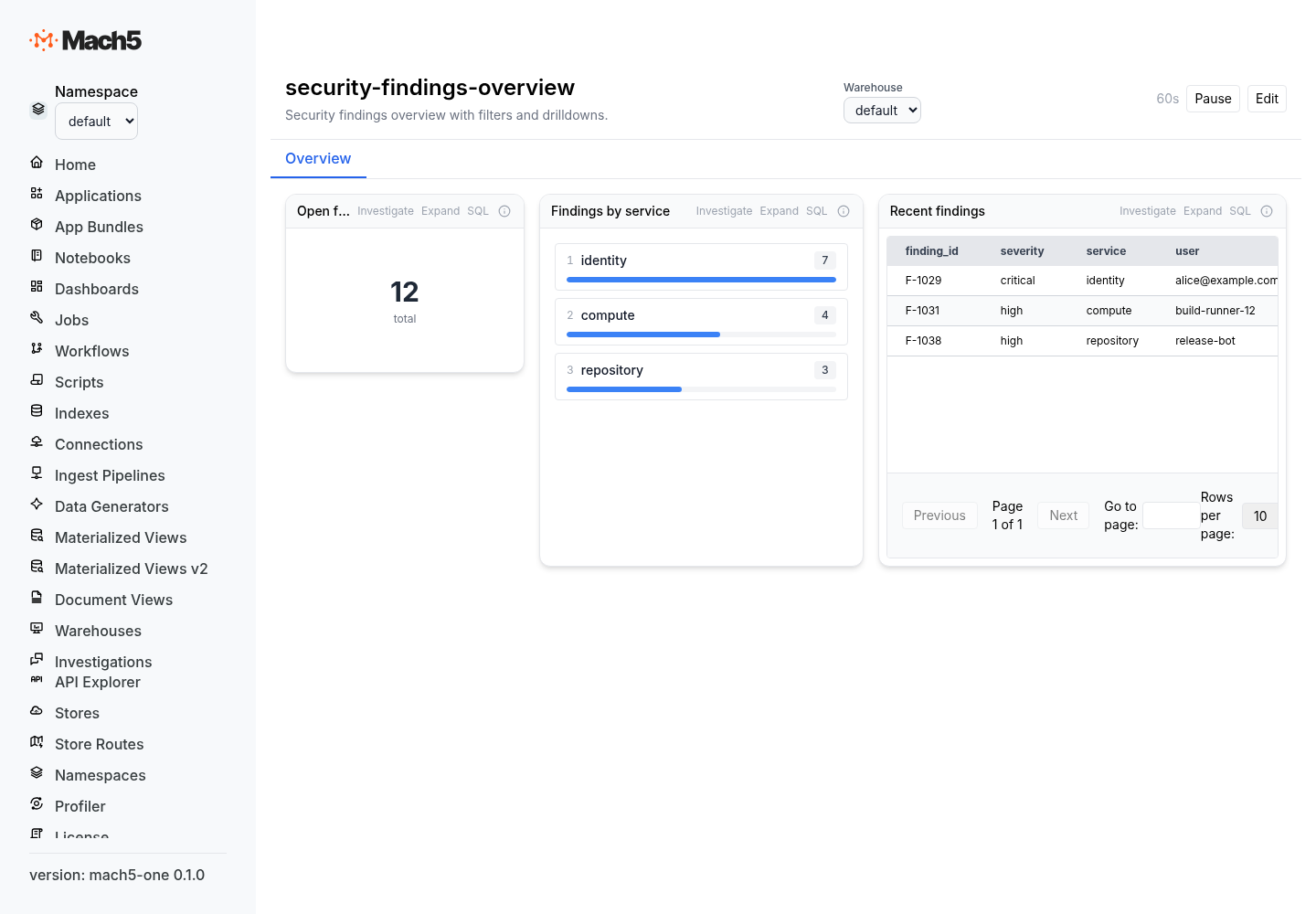
Use Data Explorer for interactive query and investigation workflows.
Agent guidance
Agents should start with narrow queries, summarize results clearly, and avoid dumping large result sets unless the user asks for them.